







Managing smart home security before a home exchange
A home exchange works best when both households feel welcome, informed and respected. Connected locks, alarms, cameras and voice assistants can improve convenience, yet they also create questions that a traditional key handover never raised. Before you swap homes, decide what technology will remain active, what your guests can control and what data stays private. Clear agreements turn smart-home security from a source of uncertainty into part of a comfortable, trustworthy stay.
Decide which smart devices should stay active during a home exchange
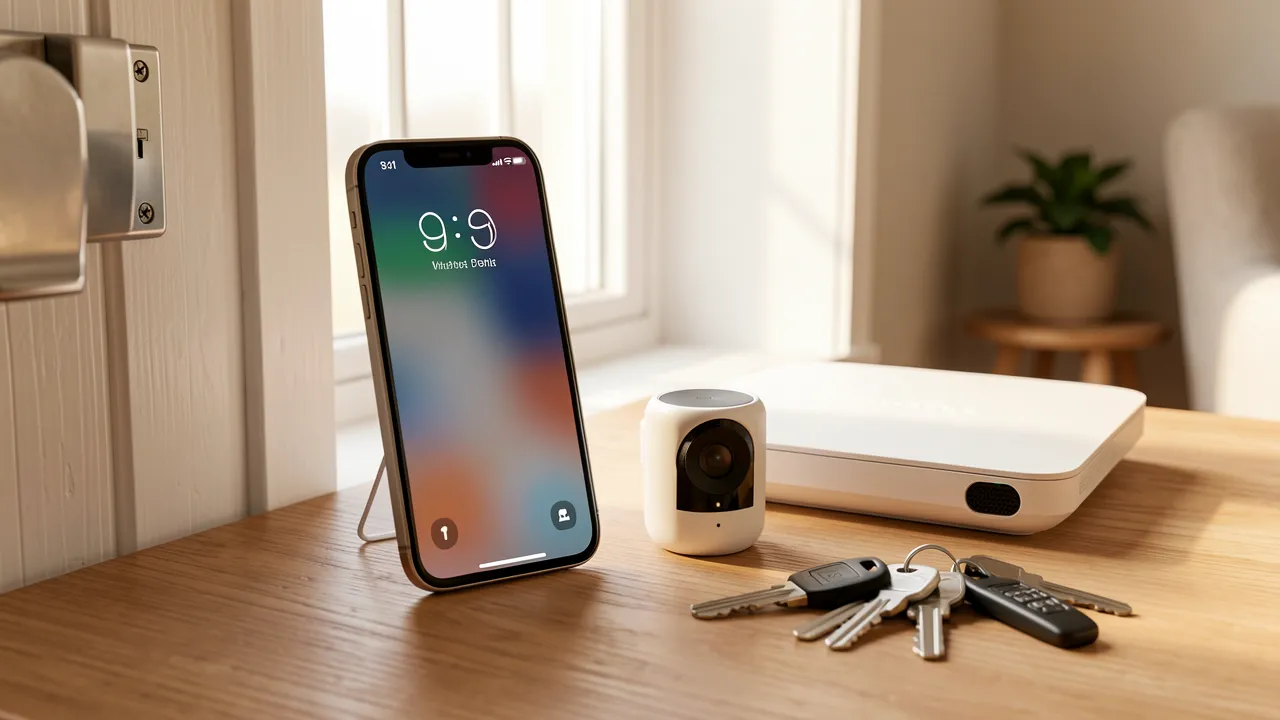
Start with a simple inventory of every connected device in your property. Include door locks, alarm panels, indoor and outdoor cameras, video doorbells, smart speakers, thermostats, sensors, robot vacuums and connected appliances. Then sort each item into three categories: active for safety, available for guest use, or switched off.
Security devices that protect the building may remain active, provided your guest understands how they work. For example, a smoke alarm, water-leak sensor or exterior motion light can stay on without affecting privacy. A camera pointing at a private garden, bedroom, bathroom or living space should be disabled or physically covered before the exchange. The same care applies to indoor video doorbells or pet cameras.
| Device | Recommended home exchange setting | What to tell your guest |
|---|---|---|
| Smart lock | Create a unique temporary code | How to unlock, lock and use the backup key |
| Burglar alarm | Keep active only if instructions are simple | Arming schedule, code process and false-alarm contact |
| Outdoor CCTV | Keep active where lawful and disclosed | Camera locations, purpose and retention period |
| Indoor cameras | Switch off and unplug | Confirm that no indoor monitoring is active |
| Smart speaker | Sign out or use guest mode | What functions are available and what is disconnected |
| Smart thermostat | Leave accessible with limits if needed | Comfortable temperature range and manual controls |
CCTV privacy should be agreed before arrival, not mentioned casually after a booking is confirmed. Tell guests exactly where exterior cameras are installed, whether they record continuously or only when motion is detected, and who can access footage. If local law requires signage or consent, follow those requirements as well as the rules of your exchange platform.
A practical principle helps: technology should protect the home, not monitor the people staying in it. If a device cannot meet that standard, deactivate it for the duration of the swap.
Set up temporary access without sharing your main household credentials
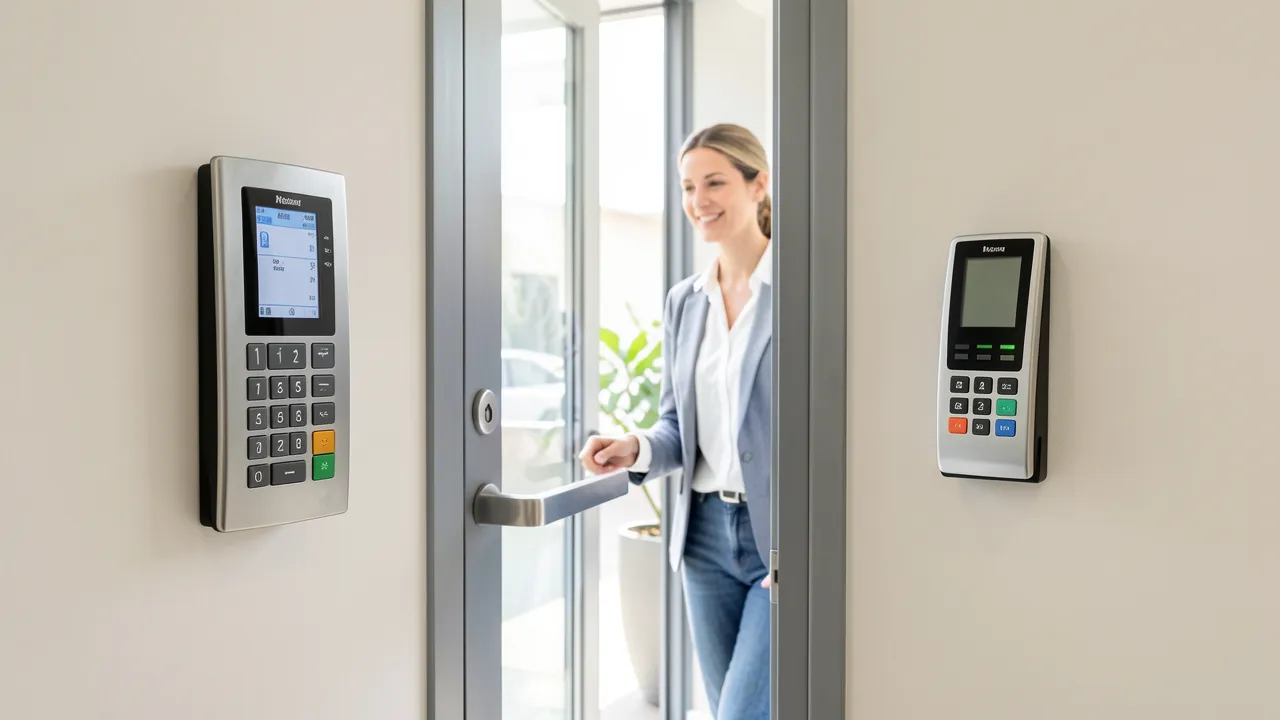
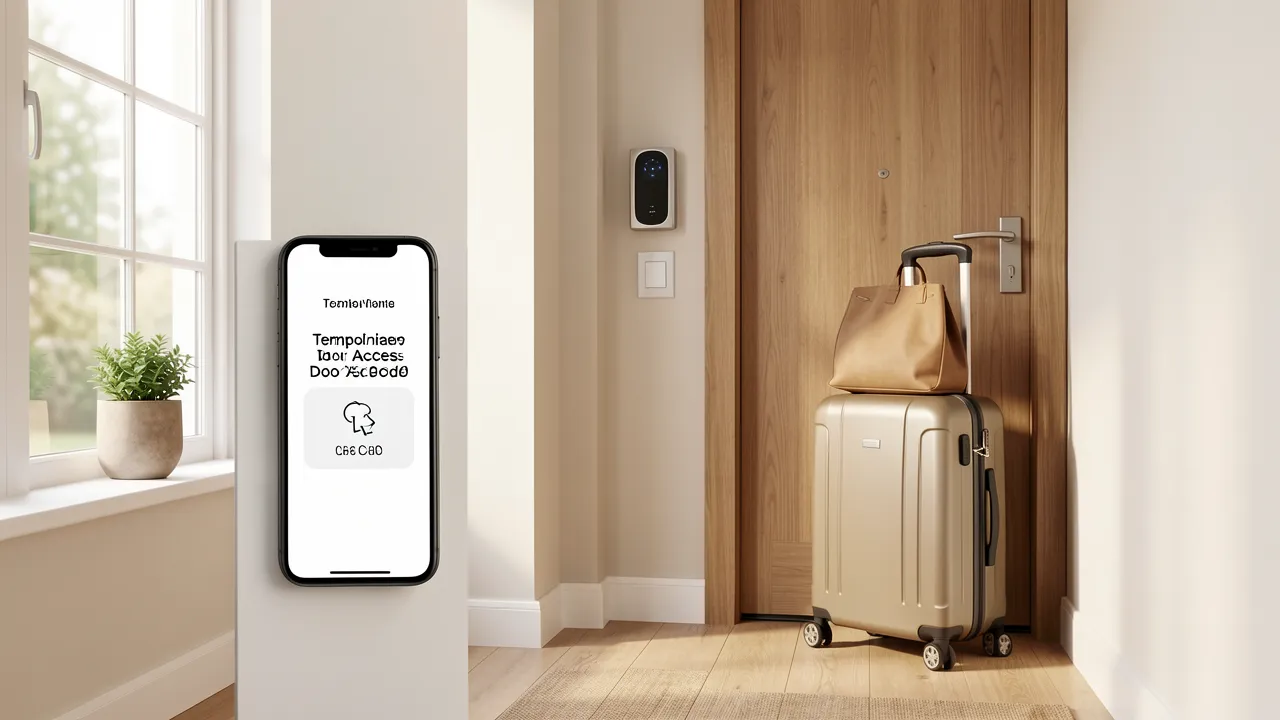
Avoid giving exchange guests your everyday passwords, primary alarm code or personal app login. Instead, create access that expires after the stay. Most connected locks let you assign a time-limited PIN, while many alarm systems support a separate guest code. Test these settings before departure, including the expiry date and any notifications sent to your phone.
Preparing a welcoming property involves more than devices at the front door. Useful home tips can help you organise storage, create clear household notes and make shared spaces feel easy to use. Set aside a cupboard or drawer for guest supplies, label controls that are not intuitive and leave enough space in wardrobes and bathrooms. A well-prepared home reduces the need for guests to contact you about routine details.
Your access plan should include a physical fallback. Leave a spare key with a trusted neighbour, in a secure lockbox, or through another method allowed by your insurance policy. Do not conceal a key in an obvious outdoor location. If the smart lock battery fails or the Wi-Fi connection drops, your guest still needs a reliable way to enter.
For Wi-Fi, create a separate guest network rather than sharing the network used by your laptops, storage devices, printers and security hub. Use a strong password, write it in the welcome guide and, if your router permits it, set the network to expire shortly after the exchange. This protects your household devices while still giving guests the connection they need.
Smart speakers require similar care. Sign out of shopping accounts, calendars, messages, contact lists and music profiles, or unplug the speaker altogether. Guests should not be able to make purchases or hear notifications intended for your household. If you leave a speaker available for music or lights, explain its limits plainly.
Agree on privacy, monitoring and emergency rules with your exchange guest
A successful home exchange community depends on reciprocal openness. Send a short smart-home note well before travel dates, then include the same information in your home guide. Invite the other household to share their own expectations too, especially when both properties use connected equipment.
Your note can cover the following points:
- Which locks, alarms, sensors and cameras remain active.
- The location and purpose of every external camera.
- Temporary guest access codes and their start and end dates.
- How to connect to the guest Wi-Fi network.
- Which smart speakers, displays or apps have been disconnected.
- The emergency contact for lockouts, alarms, leaks or power cuts.
- Whether you may receive automated security alerts during the stay, and how you will respond.
Give guests only the instructions they need. A one-page alarm guide is more useful than a long technical manual: explain how to disarm the system on arrival, what to do if it sounds accidentally, and whom to call before contacting emergency services. If the system sends alerts to you, agree that you will not use them to check on normal guest activity.
Choose one nearby contact who has agreed to help with genuine emergencies. Share their name, phone number and role, such as neighbour, friend, cleaner or property manager. Your guest should also know where the main water shutoff valve, electrical panel and fire extinguisher are located.
Trust makes smart-home security feel reassuring
Before finalising the swap, review your setup from a visitor’s perspective. Could someone enter without downloading an unfamiliar app? Would they understand whether a camera is operating? Can they adjust the temperature without accessing your personal account? These details shape how secure and comfortable a guest feels.
A trusted home swap platform provides the framework for reciprocal stays, but the household agreement supplies the day-to-day confidence. By limiting access, protecting privacy and communicating without ambiguity, you create a home exchange that feels safe for both sides.