







Choosing access control for small business premises
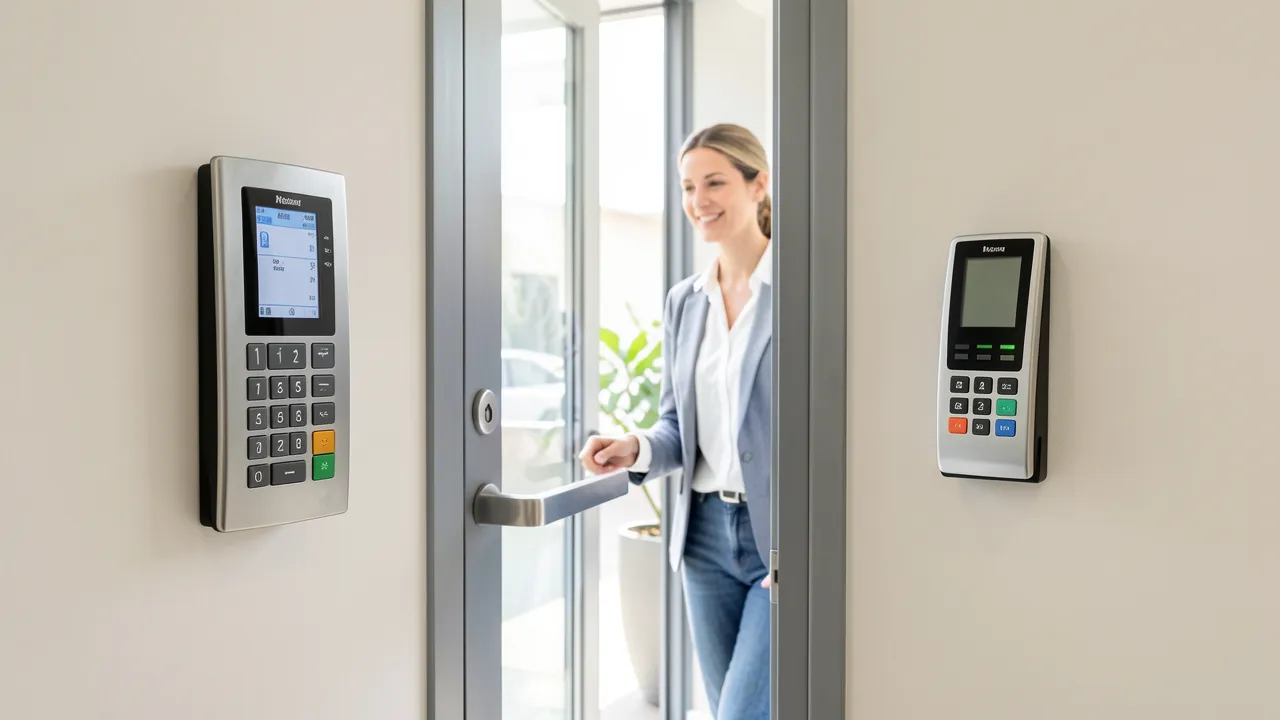
Choosing access control for a small business premises means balancing security, convenience, budget, and the way your team actually works. A single locked front door may no longer suit a business with contractors, flexible hours, stock rooms, shared workspaces, or sensitive customer information. The right system helps you control who can enter, where they can go, and when their access ends, without creating unnecessary friction for staff and visitors.
Start with the risks and routines at your premises
Before comparing readers, cards, codes, and mobile apps, consider the daily pattern at your site. A café with frequent deliveries has different needs from a professional office, salon, workshop, or small warehouse. Think about every entrance, including rear doors, staff-only areas, fire exits, gates, and internal rooms containing equipment or records.
Ask practical questions:
- Which doors need to remain locked throughout the day?
- Do staff work outside standard hours?
- Will cleaners, suppliers, or contractors require temporary entry?
- Are there areas that only managers should enter?
- What happens when a member of staff loses a key or leaves the business?
- Does your building have a shared entrance controlled by a landlord or management company?
Traditional keys are inexpensive, but they provide little visibility. If a key is copied or misplaced, changing the locks can be the only reliable response. Electronic access systems make it easier to remove permissions immediately and maintain a record of entry events.
For premises with security concerns beyond entry management, access control works best as part of a wider plan. You may also wish to review UK burglar alarms for houses and flats explained when considering how alarms and access arrangements can support each other.
Choose credentials that fit your staff and visitors
The credential is what a person uses to unlock a door. For a small business, the most common options are key fobs, swipe cards, PIN codes, and smartphone credentials. Each has advantages, and some systems allow you to use more than one method.
Key fobs and cards remain a reliable choice
Fobs and proximity cards are familiar, quick to issue, and simple for staff to use. They suit businesses that want a straightforward system without requiring employees to use personal phones. Lost fobs can be deleted from the system, then replaced without changing locks.
Their weakness is that they can be passed between people. If accountability matters, pair the fob with a PIN at higher-security doors, or review access logs regularly.
PIN codes reduce the need for physical credentials
A keypad can be useful at low-risk internal doors, delivery entrances, or locations where temporary access is common. Codes should be changed when a contractor’s work ends or when staff turnover occurs. Avoid using one shared code for the whole team, as this makes entry records far less useful.
Mobile credentials offer flexible management
Phone-based access can be convenient for businesses with hybrid workers, several locations, or frequent visitors. Permissions can often be sent remotely and set to expire automatically. However, you should check whether the system works reliably with different phone models and whether an alternative method is available if a phone battery fails.
The best option is usually the one your staff will use consistently. A sophisticated system is not helpful if it slows down busy opening hours or leads people to prop doors open.
Decide how much control and reporting you need
Small businesses do not always need enterprise-level software. Still, certain features can save considerable time and reduce risk. Look for a system that lets you create individual users, assign permissions by door or time, and remove access promptly when someone leaves.
Cloud-managed systems allow you to make changes through a browser or app. They can be especially useful if you are away from the premises regularly. Locally managed systems may have a lower ongoing cost, but updates and administration can require access to an on-site computer.
Useful features include:
- Time-based permissions, such as allowing staff access only during scheduled shifts.
- Temporary visitor or contractor passes.
- Entry logs for specific doors and users.
- Notifications when a door is forced open or held open too long.
- Emergency lockdown or free-egress settings, where suitable for the building.
- Integration with CCTV, alarms, intercoms, or gate controls.
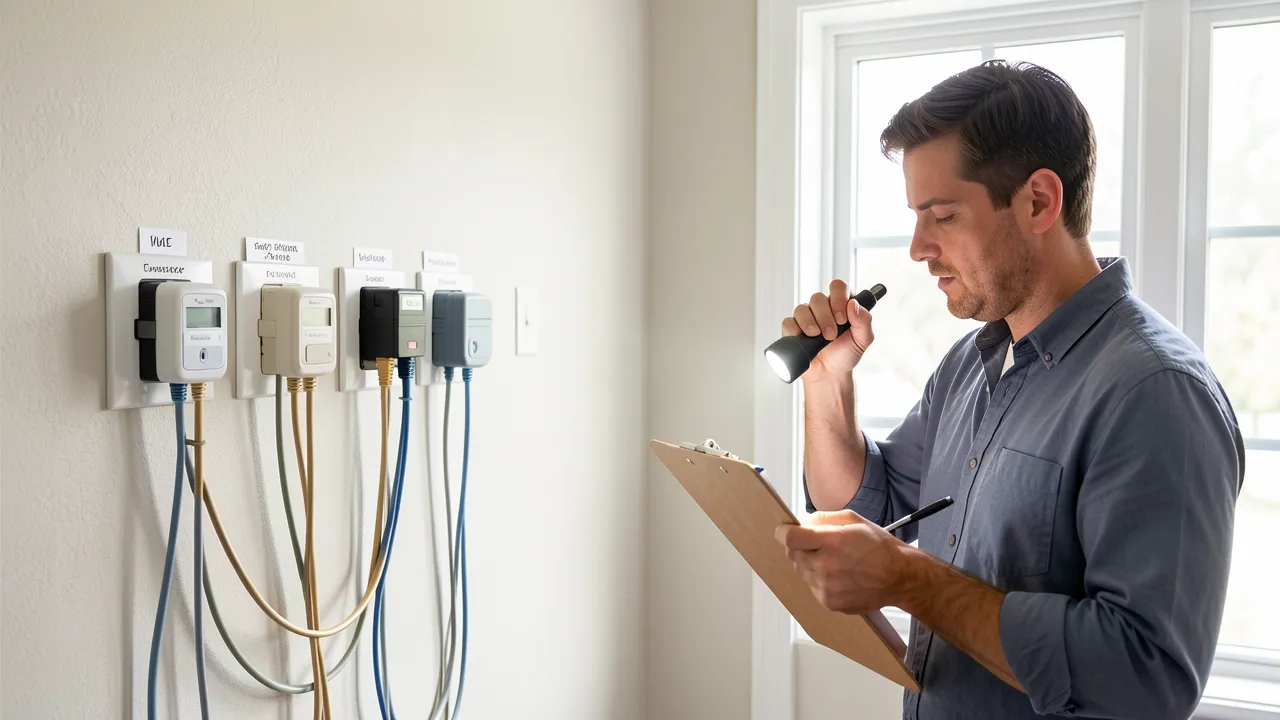
If your access system will share cabling, power, or installation routes with communications equipment, plan the layout carefully. Guidance on Add UK phone extensions without ruining broadband speed can help you avoid treating security and connectivity work as separate problems.
Check the door hardware before selecting the system
Access control is not just a reader mounted beside a door. The lock, frame, hinges, door closer, power supply, cabling, and fire safety requirements all affect what can be installed. A poorly aligned door may cause an electric lock to fail, while a weak frame can undermine an otherwise good security upgrade.
Common locking approaches include electric strikes, magnetic locks, electric mortice locks, and motorised cylinders. Your installer should recommend equipment suited to the door type and the level of security required. Fire doors require particular care: occupants must be able to leave safely, and any modifications should preserve the door’s fire performance.
For rural offices, outbuildings, workshops, or sites where connectivity is inconsistent, verify how the system behaves during an internet outage or power cut. The same location issues can affect other services, as discussed in Freeview or Freesat in weak signal areas.
Set a realistic budget for installation and support
The upfront price may include readers, locks, controllers, power supplies, cabling, credentials, software setup, and installation labour. Ask for a clear quote that separates hardware from ongoing subscription fees. Cloud platforms often charge per door, per user, or per month.
Cheaper equipment can be attractive, but replacement parts, software support, and compatibility matter over the system’s lifespan. Consider whether you may add doors, staff, or a second premises later. A scalable access control system can prevent a costly replacement when your business grows.
Also decide who will manage the system. Give at least two trusted people administrator access, document the process for issuing and revoking credentials, and keep an emergency override procedure.
A practical access control decision supports safer daily operations
A suitable system should make entry easier for authorised people while reducing the risk created by lost keys, unmanaged visitors, and unclear staff permissions. Begin with the doors and routines that present the greatest concern, then select credentials and software features that match your team’s needs.
Key points to retain include:
- Map every entry point and identify who needs access.
- Use individual credentials rather than shared keys or codes where possible.
- Select door hardware that suits the building and fire safety requirements.
- Consider reporting, remote management, and temporary permissions.
- Budget for installation, maintenance, and future expansion.
- Keep access permissions updated whenever roles or staffing change.