







Smartphone security checklist for protecting your connected home
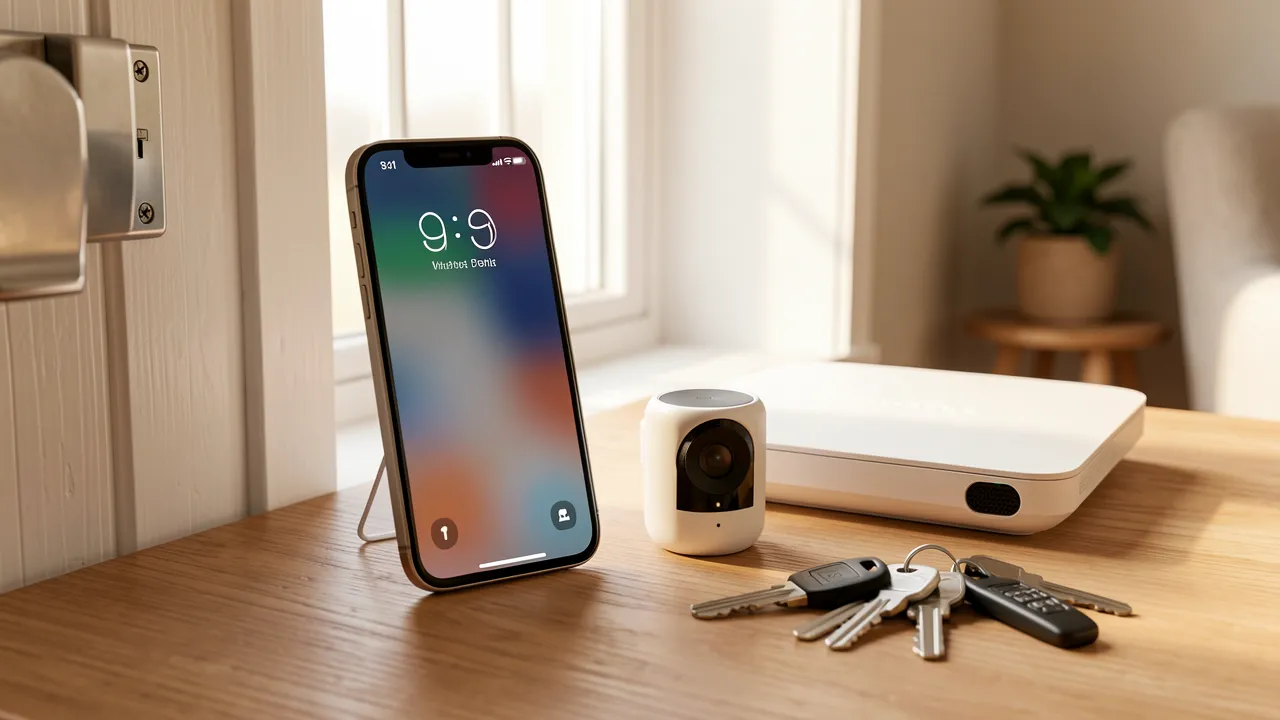
Your smartphone is no longer just a communication device. It may unlock your front door, display camera feeds, control heating, store payment cards and provide access to your email. Because email often resets passwords for other services, a compromised phone can affect far more than one account. Treating your phone as part of your home-security perimeter helps you protect household data, connected devices and personal privacy without turning daily routines into a burden.
Your smartphone is a key to your connected home
Smart-home apps often centralise access to alarms, video doorbells, smart locks, lighting and voice assistants. If someone gains access to your phone or its main email account, they may be able to change account settings, view activity notifications or attempt to take control of connected devices. A strong screen lock is therefore the first physical barrier around your digital home.
Use a long PIN rather than a simple four-digit code, especially if your phone displays notifications on the lock screen. Biometric unlocking, such as fingerprint or face recognition, adds convenience, but it should support a secure PIN rather than replace it. Set your phone to lock automatically after a short period of inactivity.
For practical advice on digital privacy, account protection and everyday online risks, https://www.e-loquens.fr/ can be a useful reference. Guidance on passwords, suspicious messages and safe online habits supports better mobile security at home. These topics matter when a phone connects your personal accounts with cameras, alarms and other household controls.
Keep lock-screen information private
A lock screen can reveal more than you expect. Delivery notices, one-time verification codes, banking alerts and smart-camera notifications may expose useful information to someone holding your phone.
Review notification settings and hide sensitive content while the device is locked. For smart-home apps, consider disabling previews that reveal whether you are away, whether an alarm has been armed or who has rung the doorbell.
Secure accounts, apps and household controls
Start with the accounts that could unlock access to everything else: your primary email address, Apple ID or Google account, password manager, banking app and smart-home platform. Give each account a unique, long password. A reputable password manager can create and store strong passwords, so you do not have to reuse memorable but weak combinations.
Activate two-factor authentication on your email, banking and smart-home accounts. An authenticator app is generally preferable to text-message codes, since text messages can be intercepted through SIM-swap fraud. Save backup recovery codes in a secure location away from your phone, such as an encrypted password manager vault or a locked paper record at home.
Review permissions before an app asks too much
Apps may request access to your camera, microphone, contacts, location, photos or local network. Some permissions are reasonable, such as camera access for a video-call service. Others deserve scrutiny, particularly when a basic game or shopping app asks for precise location or contact access.
Check permissions periodically in your phone settings. Remove apps you no longer use, and download new apps only from official app stores. Avoid installing configuration profiles, unofficial app files or “security tools” sent through messages. These can bypass normal safeguards and give attackers broad access to your device.
For smart-home apps, use separate household accounts where available instead of sharing one master password. Give each person only the access they need. A guest may need to control lighting, while a trusted family member may need alarm access. Remove access promptly when a tenant, cleaner or former household member no longer needs it.
Protect your home Wi-Fi and phone connections
Your phone is only as secure as many of the networks it joins. At home, change the router’s default administrator password and use WPA3 security where your equipment supports it. If WPA3 is unavailable, WPA2 with a strong passphrase remains a sensible option.
Create a separate guest or Internet of Things network for smart speakers, plugs and other connected devices. This reduces the chance that a weakly protected appliance can communicate freely with computers, phones or network storage on your main home network.
Be cautious with public Wi-Fi. Avoid managing alarms, cameras or banking from an open network unless you use a trusted virtual private network. Disable automatic joining for unfamiliar Wi-Fi networks and Bluetooth connections. Software updates also deserve prompt attention, because they often repair flaws that criminals already know how to exploit.
Prepare for a lost, stolen or replaced phone
Enable your phone’s built-in location service before anything goes wrong. Apple’s Find My and Google’s Find My Device can help you locate, lock or erase a missing phone remotely. Check that remote location, remote locking and device backup are enabled, then test that you know how to sign in from another device.
If your phone disappears, act quickly:
- Use the device-location service to mark it as lost and lock the screen.
- Contact your mobile provider to suspend the SIM or eSIM if theft is suspected.
- Change the password for your primary email account first, then change smart-home, banking and social-media passwords.
- Remove the missing phone from trusted devices and active account sessions.
- Notify your bank if payment cards were stored in a mobile wallet.
- File a police report for theft, including the phone’s IMEI number if available.
Do not rush to erase the phone if location tracking may still help recover it safely. If you believe it will not be recovered, remote erasure protects stored data. A current encrypted backup lets you restore contacts, photos and settings to a replacement phone without retaining unnecessary personal data on the old one.
A safer phone keeps your household access under your control
Small habits provide strong protection when combined. A locked, updated phone with carefully managed accounts is harder to misuse, even if it is lost or borrowed. Review your settings after adding a new smart lock, camera or family member to your connected-home system.
Key points to keep in mind:
- Secure your screen lock with a strong PIN and biometric protection.
- Use a password manager and two-factor authentication for key accounts.
- Limit app permissions and remove unused applications.
- Separate smart devices from personal devices on your home Wi-Fi where possible.
- Enable remote location, locking and erasure before a phone goes missing.
Frequently asked questions about smartphone security at home
Should you use biometrics or a PIN to unlock your phone?
Use both. Biometrics make secure unlocking convenient, while a long PIN provides protection when biometric recognition is unavailable or requires confirmation after a restart.
Can a stolen phone give someone access to your smart lock?
It can, particularly if the phone is unlocked or the smart-home app remains signed in without extra verification. A strong screen lock, app-level authentication and remote device locking reduce this risk.
How often should you review smartphone security settings?
Review them at least every few months, and whenever you add a connected-home device, install a new app, change your phone or share household access with someone new.